

The Virtual Guardians Blog
Field notes from the engineer's chair.
Two streams, both worth your time. VGOM Adventures is a weekly serial where a slightly exaggerated version of the engineer fixes carrier nonsense, Spectrum hold music, and the occasional Magic Kingdom outage. Webex How-Tos are plain-English walkthroughs of every Cisco Webex feature, refreshed from the source so you always have the current version. Scroll for the latest of both.

Webex How-Tos
Use Board, Desk, and Room series with the Webex App
Republished from Cisco Webex Help Center. How to pair the Webex App with a Cisco Board, Desk, or Room Series device to share your screen, place calls, and start a meeting in a space.
Webex How-Tos
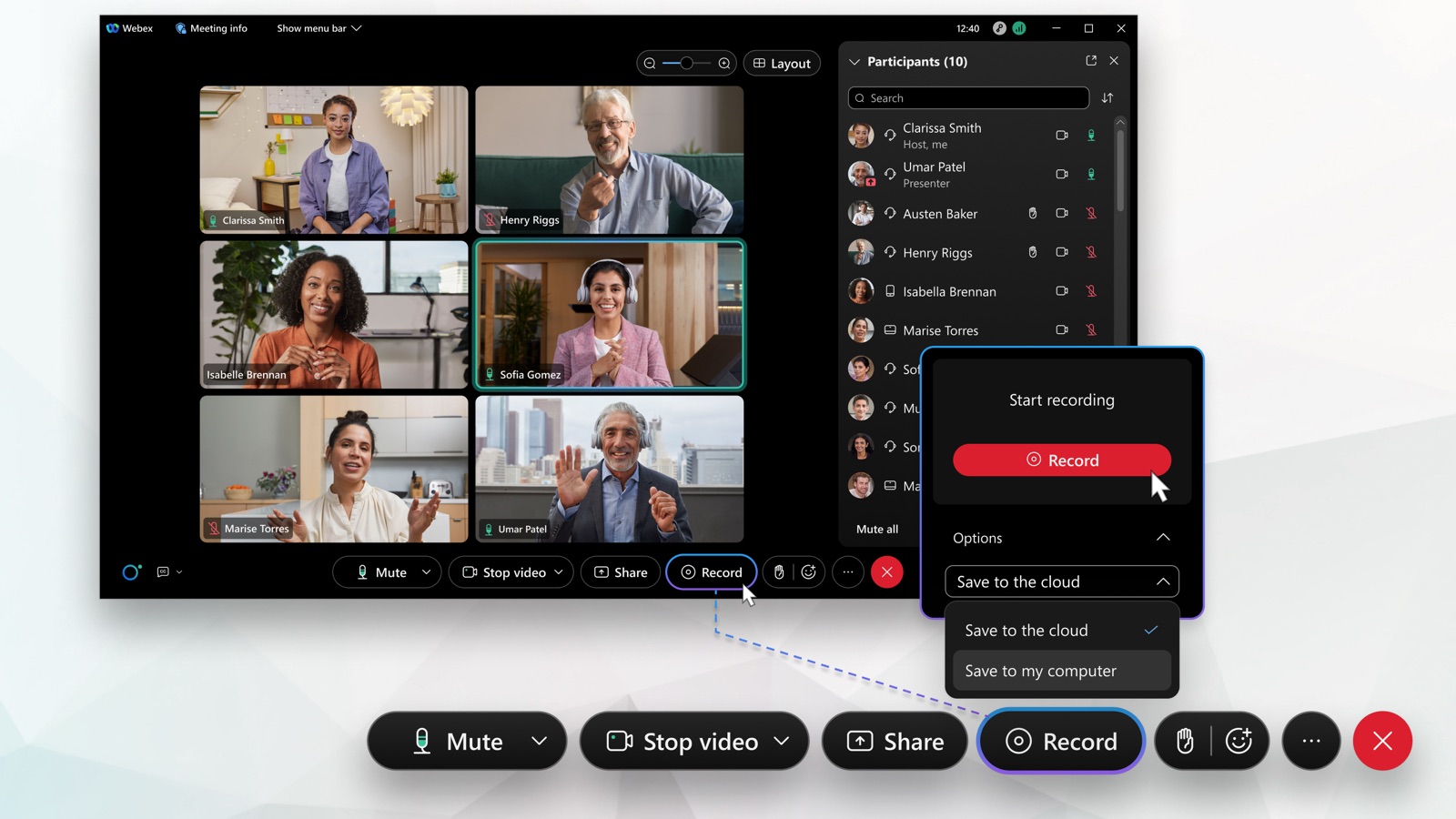
Record a meeting or webinar
Republished from Cisco Webex Help Center. How to record a Webex meeting or webinar to the cloud or your computer, where recordings are saved, how long they take, and what they capture.
Webex How-Tos
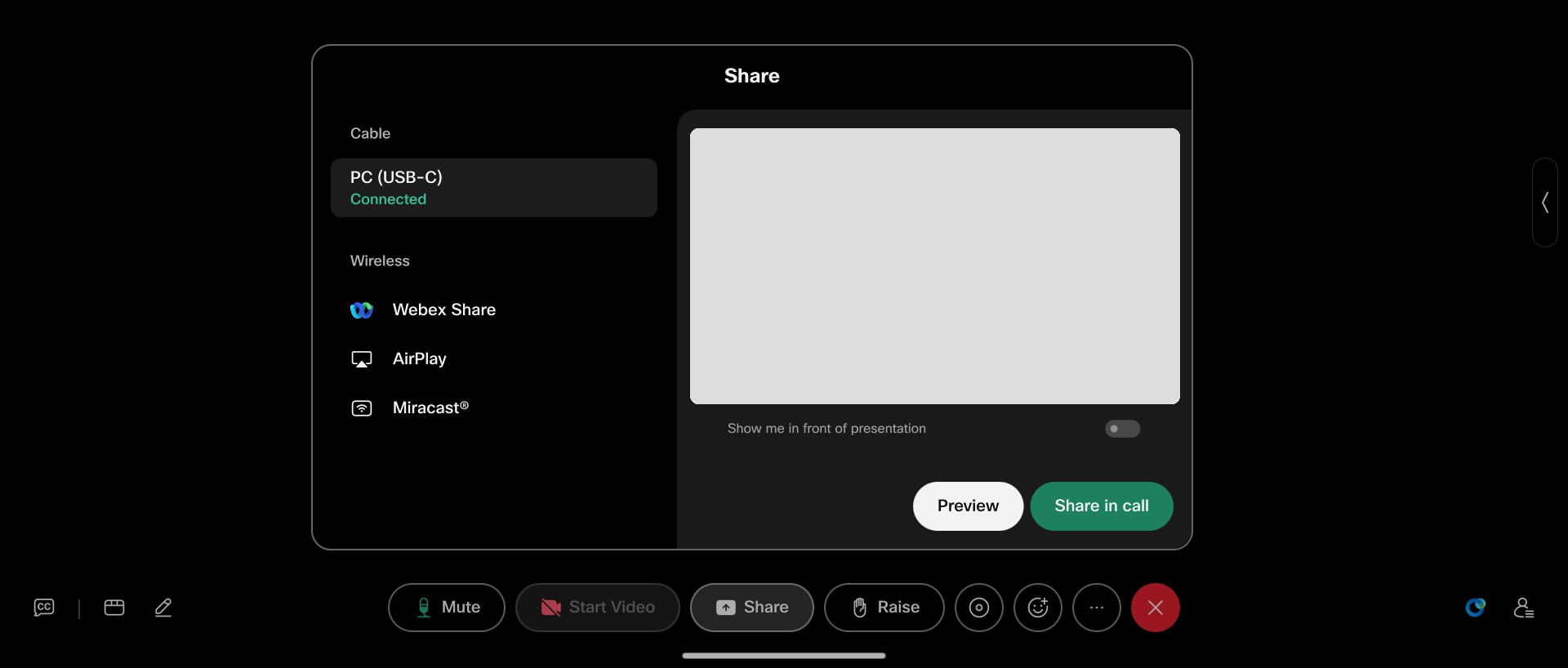
Share content to Board, Desk, and Room Series
Republished from Cisco Webex Help Center. How to share your laptop screen to a Cisco Board, Desk, or Room Series device with a USB-C or HDMI cable, in or out of a call.
Webex How-Tos
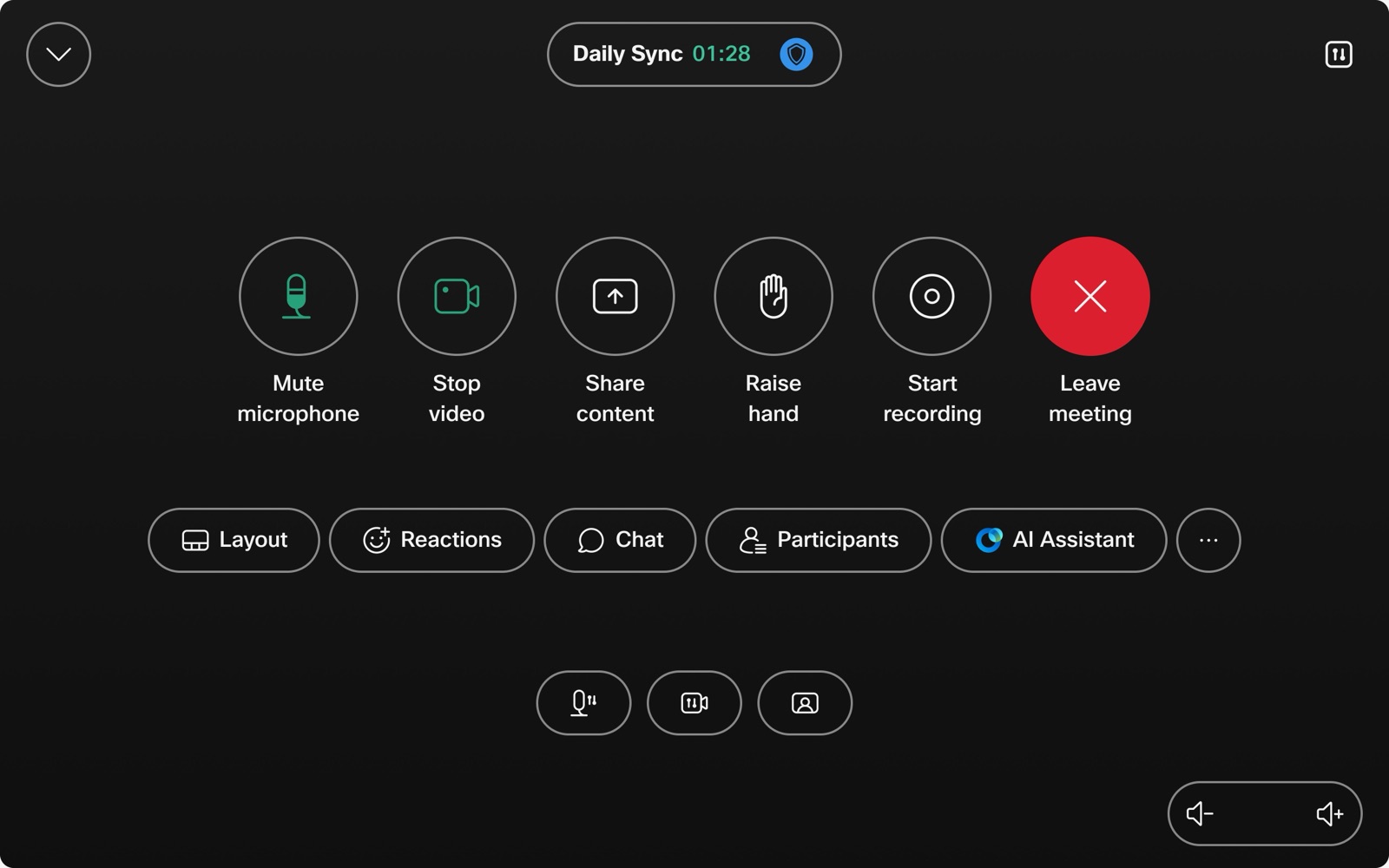
Get started with Board, Desk, and Room Series
Republished from Cisco Webex Help Center. A getting-started guide to making calls, sharing content, whiteboarding, and connecting the Webex App to your Cisco Board, Desk, and Room Series devices.

VGOM Adventures
Your AI Receptionist Is Coming. Hire It as a Backup, Not a Bouncer.
Prospects want humans. They also will not wait three rings for one. Here is how to deploy an AI Receptionist as a backup to a live answer, not a replacement for it. The VGOM rule: live answer first, AI second, voicemail last.

Webex How-Tos
Get started with Webex App
Republished from Cisco Webex Help Center. A first-time orientation to Webex App covering sign-in, messaging, meetings, and calling.

Webex How-Tos
Webex App: Transfer a phone call
Republished from Cisco Webex Help Center. Step-by-step instructions for transferring a phone call in the Webex App on desktop and mobile, across Webex Calling, service-provider calling, and Unified CM.

Webex How-Tos
Webex App: Forward your phone calls
Republished from Cisco Webex Help Center. How to turn call forwarding on or off in the Webex App on desktop and mobile, including the Unified CM and Webex Calling paths.

Webex How-Tos
Join a Webex meeting
Republished from Cisco Webex Help Center. How to join a Webex meeting from Windows or Mac, mobile, web browser, phone-only, or video device, plus FAQs about meeting numbers, audio, and recording.
Webex How-Tos
Sign-in issues with Webex
Republished from Cisco Webex Help Center. Quick-access links to resolve sign-in problems for Webex Meetings and Webex App, including password reset, account activation, and security guidance.

Webex How-Tos
Webex App: Answer a call
Republished from Cisco Webex Help Center. How incoming-call notifications work in the Webex App, with desktop, iOS, and Android steps for answering, declining, messaging back, and sending to voicemail.

Webex How-Tos
Webex App: Call anyone with a phone number
Republished from Cisco Webex Help Center. How to dial any phone number from the Webex App on desktop, iOS, and Android, with tips on call security, hold, transfer, conference, and phonewords.

Webex How-Tos
Webex App: Manage all your phone calls in one place
Republished from Cisco Webex Help Center. How to use the Webex App calling dock (multi-call window) on Windows to manage multiple lines, mute, hold, transfer, conference, park, barge, and record.

Webex How-Tos
Webex App: Voicemail
Republished from Cisco Webex Help Center. How to set up your voicemail PIN and listen to voice messages in the Webex App, with steps for Unified CM and Webex Calling.

VGOM Adventures
VIRTUAL GUARDIANS OPERATIONAL MANUAL | VGOM FIELD REPORT - MARCH 2026
MEGA Musical Chairs: Speed Networking and the Art of Not Losing Your Mind A VGOM Field Report | March 2026 Let's be honest. Speed networking is essentially musical chairs for adults who've traded their childhood dreams for business cards and a LinkedIn profile.

VGOM Adventures
Stop Chasing Shiny Apps. Start Demanding Solid Superpowers.
Hi, I’m VGOM, your friendly neighborhood Guardian of “Please Don’t Break My Business.” Let’s get one thing out of the way: The underlying technology doesn’t matter nearly as much as how it’s implemented.
10DLC, Explained: What It Is, Why It Exists, and How Virtual Guardians Gets You Compliant
If your business texts from any non-mobile number (landline, VoIP, cloud phone like Webex/Zoom/Teams/RingCentral, etc.), 10DLC rules apply—no exceptions. 10DLC (“10-Digit Long Code”) is the U.S. carrier-sanctioned standard for business (A2P) texting that requires you to register your brand and your messaging use case(s) before sending to U.S. mobile subscribers.
VGOM Adventures
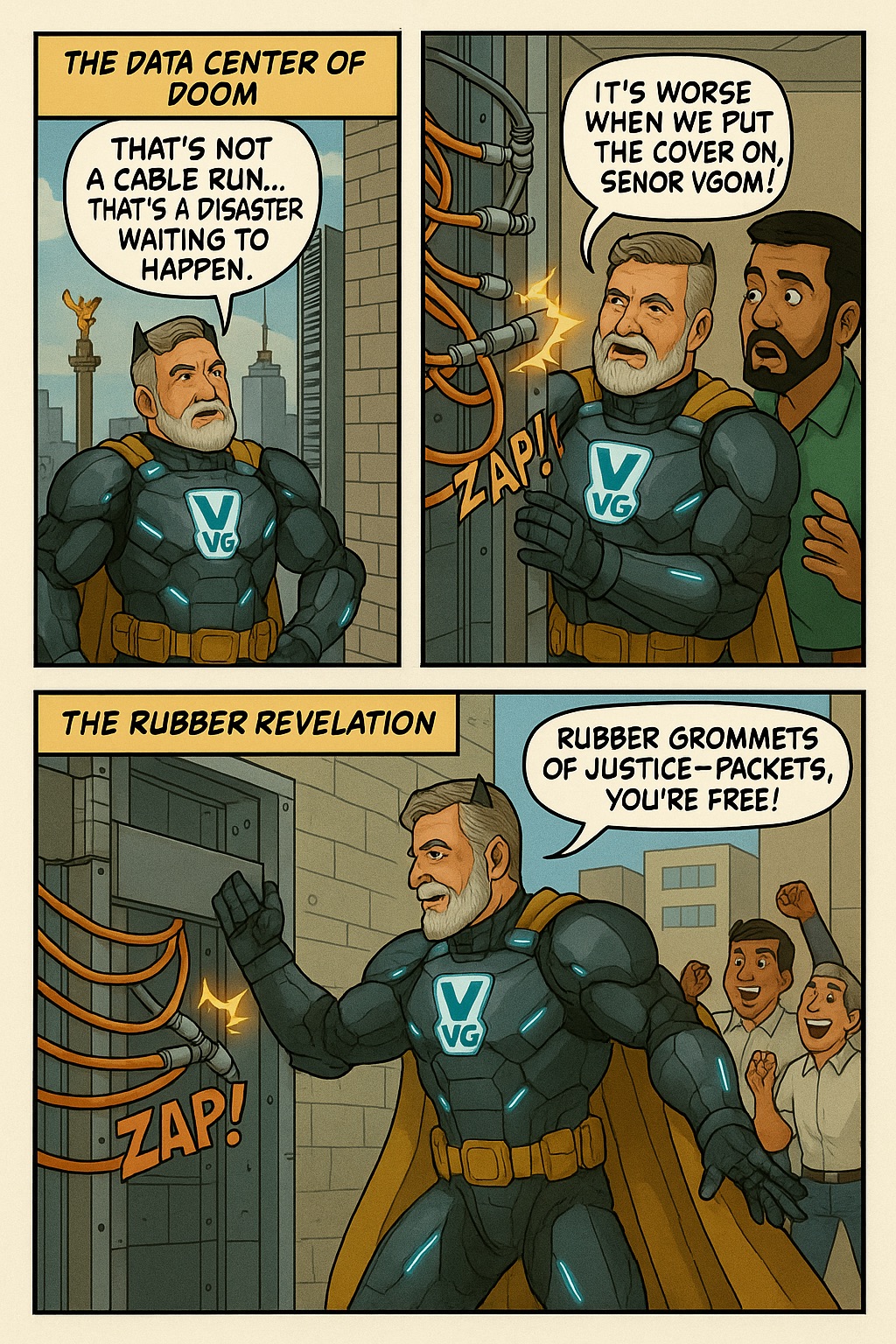
VGOM Adventure: The Case of the Shocking Smile Factory
Mexico City. Land of tacos, traffic, and… toothpaste. But at Colgate Palmolive HQ, the smiles were fading. Their sprawling network—built...

VGOM Adventures
VGOM vs. The Microsoft Meltdown
It was a normal Monday morning — birds chirping, coffee brewing, and VGOM… getting hacked . Our caped click-slinger was mid-battle with a...

VGOM Adventures
🚂 VGOM vs. The Great Train Sort: Decoding Steel Beasts at 60 MPH
Location: Somewhere along the endless steel veins of America Time: The late 1990s (when Token Ring was still invited to the party)...

VGOM Adventures
💥VGOM Adventure #6: “The Gold, the Glitch, and the Guy with Too Many Teeth”💥
🥃 Scene One: BEER Me Up, Scotty In the golden dust of Kentucky, down a cracked asphalt strip so forgotten it didn’t even qualify for a...
VGOM Adventures
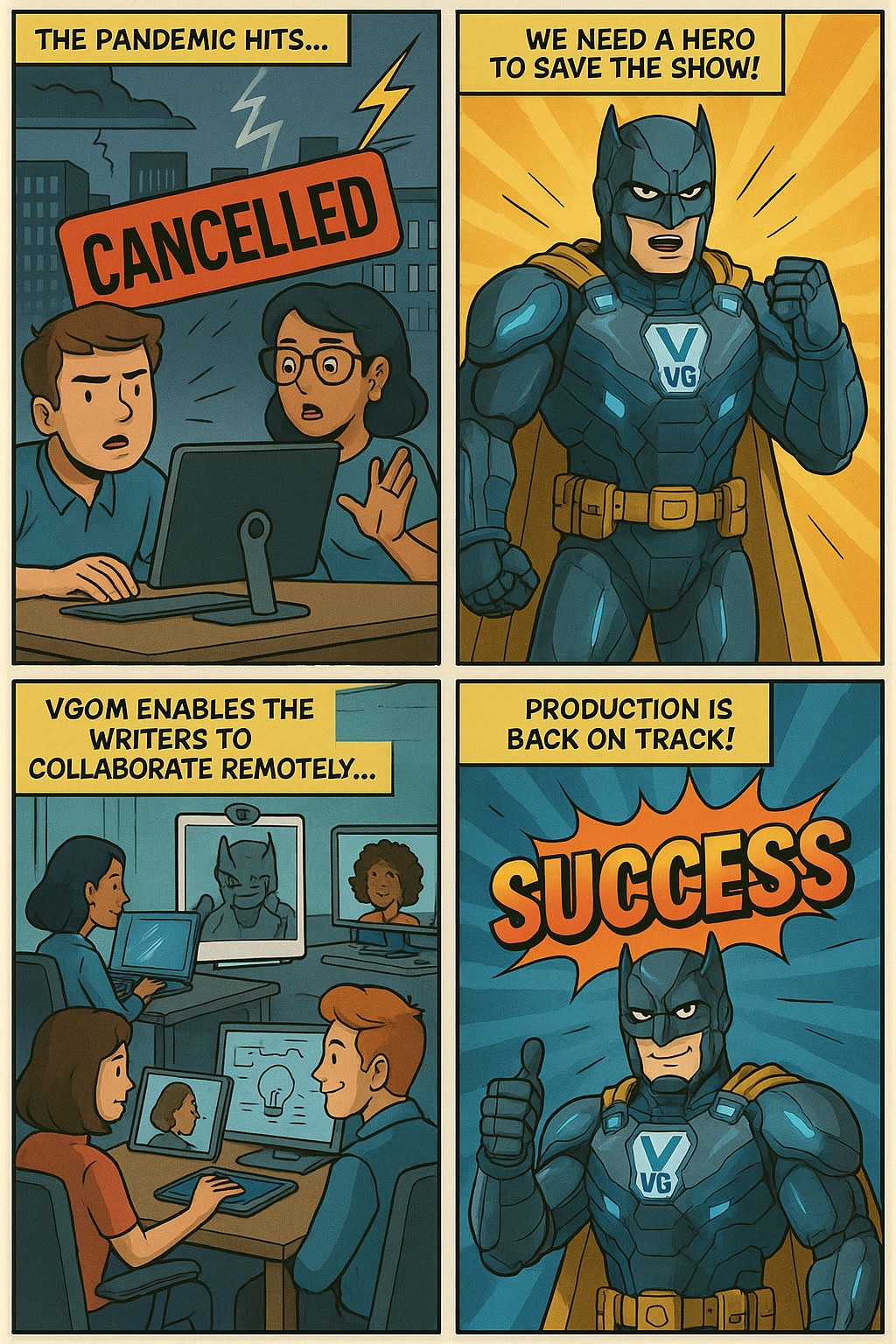
🎭 VGOM vs. The Sitcom Shutdown: How One Hero Kept the Laugh Track Rolling
Cue ominous music… The year: 2020. The mood: apocalyptic Zoom and Teams fatigue. The mission: keep America laughing from home . When the...

VGOM Adventures
VGOM Adventure 4: “Red Badges and Rocket Science: VGOM Breaches the Shuttle’s Digital Vault”
VGOM, the early days Location: Kennedy Space Center, 1991 Time: Just before lunch. Stakes: Astronomical. The Florida sun beamed off the...
VGOM Adventures
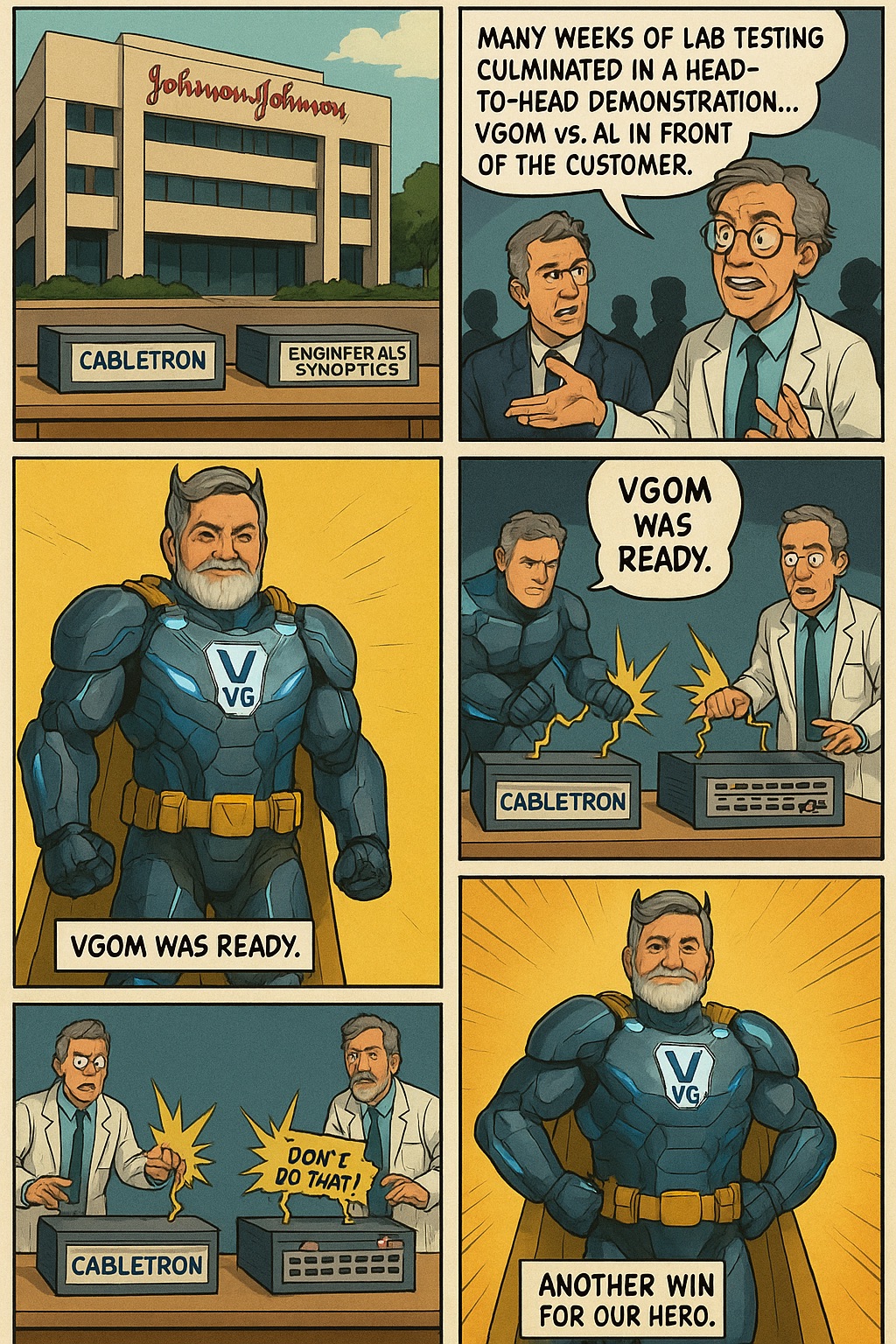
VGOM Adventure 3: Battle of the Hubs — Johnson & Johnson Smackdown!
Starring: VGOM vs. Engineer Al Tampa, Florida — Circa the Age of 10BaseT ⸼ Somewhere deep in the bowels of a Johnson & Johnson facility…...
VGOM Adventures
💥 VGOM vs. The COVID Chaos: A Neuro-Psychic Showdown 💥
How a heroic intervention, a few phone licenses, and a whole lotta Webex turned “Fricken Musical Chairs” into Mission Accomplished 🧠...

VGOM Adventures
Splash Mountain Mayhem: The Day VGOM Saved the Magic Kingdom
In a land where dreams come true… a nightmare was brewing. Splash Mountain’s live-action photo system — the one capturing magical...

VGOM Adventures
VGOM: The Origin Story
Doug becomes VGOM! Before there was Virtual Guardians… Before there was a business empire… Before there was a man who could fix your...
New Texting Rules for Businesses – August 2024
I was talking with a Cisco Collaboration Account Executive the other day and she mentioned that there was a valid reason for Cisco not...

Streamline Client Communication with Cisco Webex: Text-Only Direct Numbers
In the modern business landscape, effective communication with clients is essential. However, maintaining a consistent client experience...

Schedule a Webex Meeting
If you have a Webex Calling Professional license, you now have the ability to schedule Webex Enterprise Meetings with all of the advanced...

Unveiling the Mystery: Decoding Caller Name Display Issues and Solutions
Recently one of our customers asked, "Why is Caller Name not displaying correctly to my customers and what can I do about it?" When you...
Vidcast.io: The Asynchronous Video Messaging Tool That's Included with Your Webex Subscription
I was speaking with a prospect last week about Cisco continuing to add functionality to Webex to enhance the license you already own. One...
Never miss a VGOM installment
Get new posts in your inbox.
VGOM every Tuesday. Webex how-tos as they publish. No marketing fluff.
We only use your email to send posts. Unsubscribe with one click. Read our privacy policy.
Reading about Cisco Webex is fine. Trying it is better.
Test-drive the full Webex suite for 30 days. No credit card. No commitment. Local engineers handle the setup.
Start Your Free 30-Day Trial